Your Marketing, Your Data. Share your Blue Dot Photos content anywhere you market your listings. Learn More
Introduction
Two tools get mixed up a lot in real estate: virtual staging and virtual renovation. They sound similar and both happen on a computer, but they do different jobs. Here is the short version. Virtual staging adds furniture to a room. Virtual renovation changes the room itself.
For agents and sellers, knowing the difference helps you choose the right tool for each listing, and use it the right way.
At Blue Dot Photos, we offer both. Whether a room is empty or dated, we can help it look its best online, where buyers form their first impression.
For agents and sellers, knowing the difference helps you choose the right tool for each listing, and use it the right way.
At Blue Dot Photos, we offer both. Whether a room is empty or dated, we can help it look its best online, where buyers form their first impression.
What Is Virtual Staging?
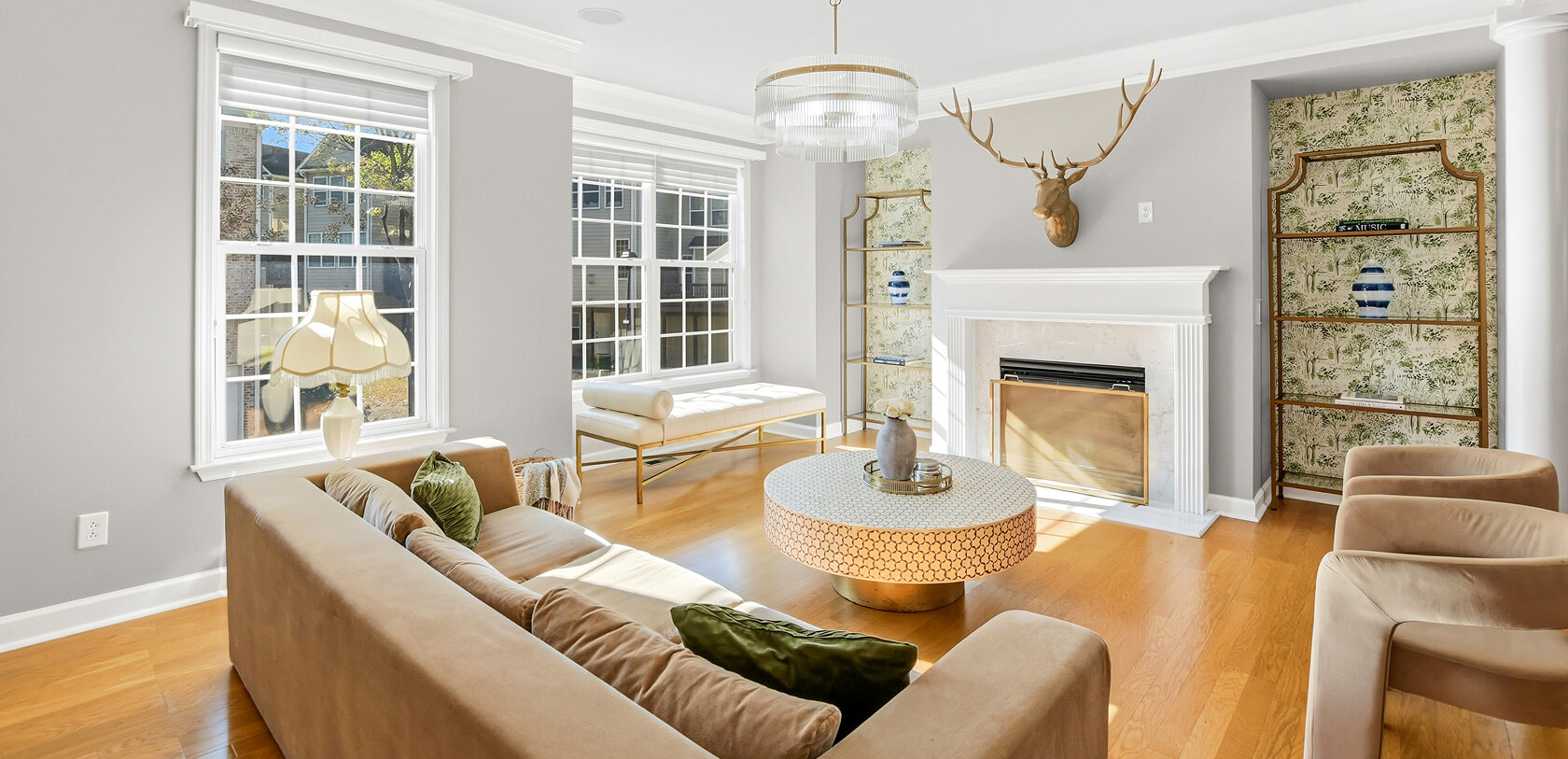
Virtual staging adds furniture and decor to a room digitally. You start with a photo of an empty room, and a designer fills it with a sofa, a table, a rug, and art, so the space looks lived-in and warm. Nothing physical moves. The room itself does not change, only how it is furnished in the photo.
This is virtual furniture staging, and it is the fastest way to make a bare listing feel like a home. It works especially well for vacant properties, where empty rooms can feel cold and hard to picture.
This is virtual furniture staging, and it is the fastest way to make a bare listing feel like a home. It works especially well for vacant properties, where empty rooms can feel cold and hard to picture.
What Is Virtual Renovation?
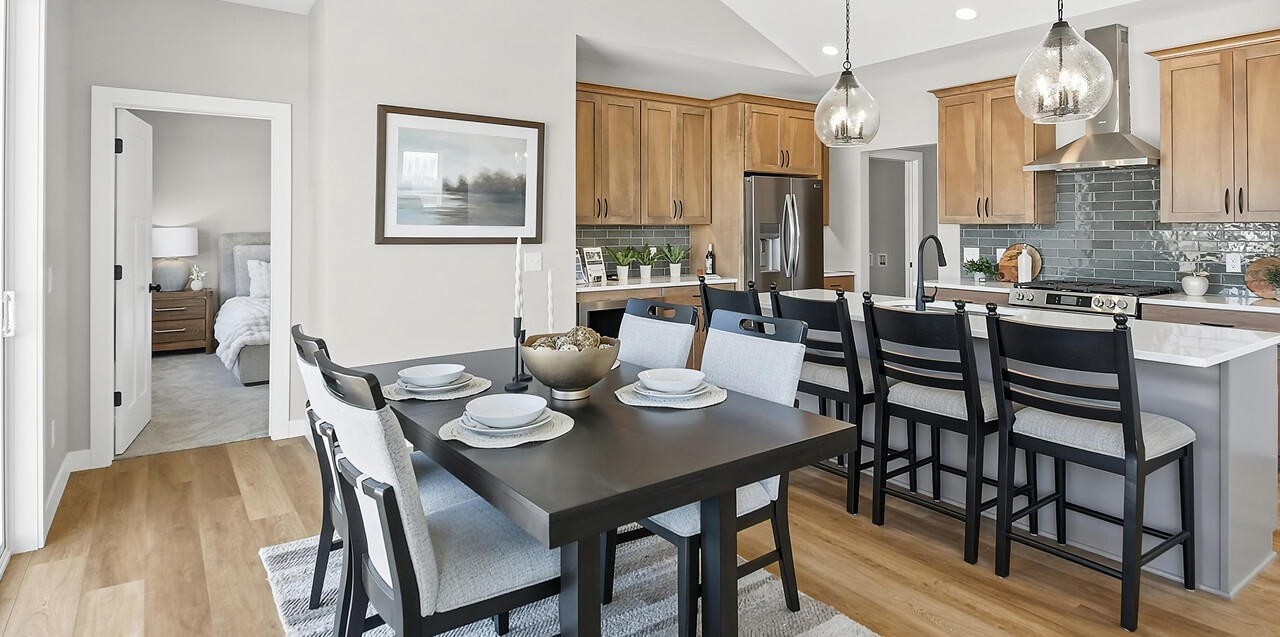
Virtual renovation changes the room itself, not the furniture. It updates the things that are built in: the flooring, the cabinets, the wall color, the countertops. You take a photo of a dated or worn room and show it with modern finishes, so buyers see what the space could become.
It is the tool for a fixer-upper or an older home, where the bones are good but the look is tired. Virtual renovation helps buyers imagine the finished result without any real work being done first.
It is the tool for a fixer-upper or an older home, where the bones are good but the look is tired. Virtual renovation helps buyers imagine the finished result without any real work being done first.
Virtual Staging vs Virtual Renovation: The Key Difference
The difference is simple once you see it side by side:
- Virtual staging adds movable things: furniture, rugs, art, and decor. The room stays the same.
- Virtual renovation changes fixed things: floors, cabinets, walls, and counters. The look of the room changes.
Which One Does Your Listing Need?
It comes down to what the room needs:
- Empty room? Use virtual staging to furnish it.
- Dated or worn room? Use virtual renovation to show its potential.
- A fixer-upper that is also empty? Use both, renovating the finishes and then staging the furniture.
Does Virtual Staging Help Sell Homes?
Virtual staging can play a real role in how buyers respond to a listing. Buyers struggle to picture themselves in an empty room, and a blank space can feel cold. Virtual staging for real estate fixes that by giving the room warmth and scale, so buyers connect with it.
Listings that help buyers imagine living in the home tend to draw more interest and more showings, which is the whole goal. Virtual staging does it quickly and at a low cost, so you can stage every empty room without a long wait or a big bill.
Listings that help buyers imagine living in the home tend to draw more interest and more showings, which is the whole goal. Virtual staging does it quickly and at a low cost, so you can stage every empty room without a long wait or a big bill.
Virtual Staging vs Physical Staging
Physical staging puts real furniture in the home. It looks great in person and helps at showings, but it is expensive, slow, and only works for the rooms you pay to fill.
Virtual staging puts the furniture in the photos instead. It is far cheaper and faster, and it works for the online listing, which is where buyers form their first impression. Many sellers use virtual staging for the listing photos and save physical staging for higher-end homes where in-person showings carry the sale.
Virtual staging puts the furniture in the photos instead. It is far cheaper and faster, and it works for the online listing, which is where buyers form their first impression. Many sellers use virtual staging for the listing photos and save physical staging for higher-end homes where in-person showings carry the sale.
Using Virtual Staging Honestly
Whichever tool you use, label it. Virtually staged and virtually renovated images should be marked clearly so buyers are never misled, and many MLS systems require this. A simple caption that the image is a digital concept keeps your listing honest and keeps you in line with the rules.
Never use virtual editing to hide a problem or fake a feature the home does not have. Used honestly, virtual staging helps buyers see a home's potential without ever misleading them.
Never use virtual editing to hide a problem or fake a feature the home does not have. Used honestly, virtual staging helps buyers see a home's potential without ever misleading them.
The Blue Dot Photos Advantage
At Blue Dot Photos, we offer both virtual staging and virtual renovation as part of our real estate media.
Our services include:
Our services include:
- Virtual staging to furnish empty rooms
- Virtual renovation to update dated finishes
- Fast turnaround, usually a day or two
- Clear, realistic results that show the home at its best
- HDR photography, 3D tours, and floor plans to complete the listing
- Nationwide service for consistent media across markets
Frequently Asked Questions
How much does virtual staging cost?
Far less than physical staging. It is a small charge per photo, with no furniture to rent or move.
How long does virtual staging take?
Usually a day or two, so it fits easily into your listing timeline.
Is virtual staging allowed on the MLS?
Most MLS systems allow it as long as the images are labeled as digitally staged. Always check your local rules and add a clear caption.
What is the difference between virtual staging and virtual renovation?
Virtual staging adds furniture to a room. Virtual renovation changes the built-in finishes like floors and cabinets. Staging is for empty rooms, renovation is for dated ones.
Does virtual staging work better than leaving a room empty?
Yes. A furnished room helps buyers picture the space and feel its scale, while an empty room can feel cold and hard to read.
Far less than physical staging. It is a small charge per photo, with no furniture to rent or move.
How long does virtual staging take?
Usually a day or two, so it fits easily into your listing timeline.
Is virtual staging allowed on the MLS?
Most MLS systems allow it as long as the images are labeled as digitally staged. Always check your local rules and add a clear caption.
What is the difference between virtual staging and virtual renovation?
Virtual staging adds furniture to a room. Virtual renovation changes the built-in finishes like floors and cabinets. Staging is for empty rooms, renovation is for dated ones.
Does virtual staging work better than leaving a room empty?
Yes. A furnished room helps buyers picture the space and feel its scale, while an empty room can feel cold and hard to read.
Show Your Listing at Its Best
Whether a room is empty or dated, the right digital tool helps buyers see what the home can be. Used honestly, virtual staging and virtual renovation give your listing a real edge online.
Ready to show your listing at its best? Book a shoot with Blue Dot Photos today.
Ready to show your listing at its best? Book a shoot with Blue Dot Photos today.